Lectern
A native Mac study tool I built for my girlfriend.
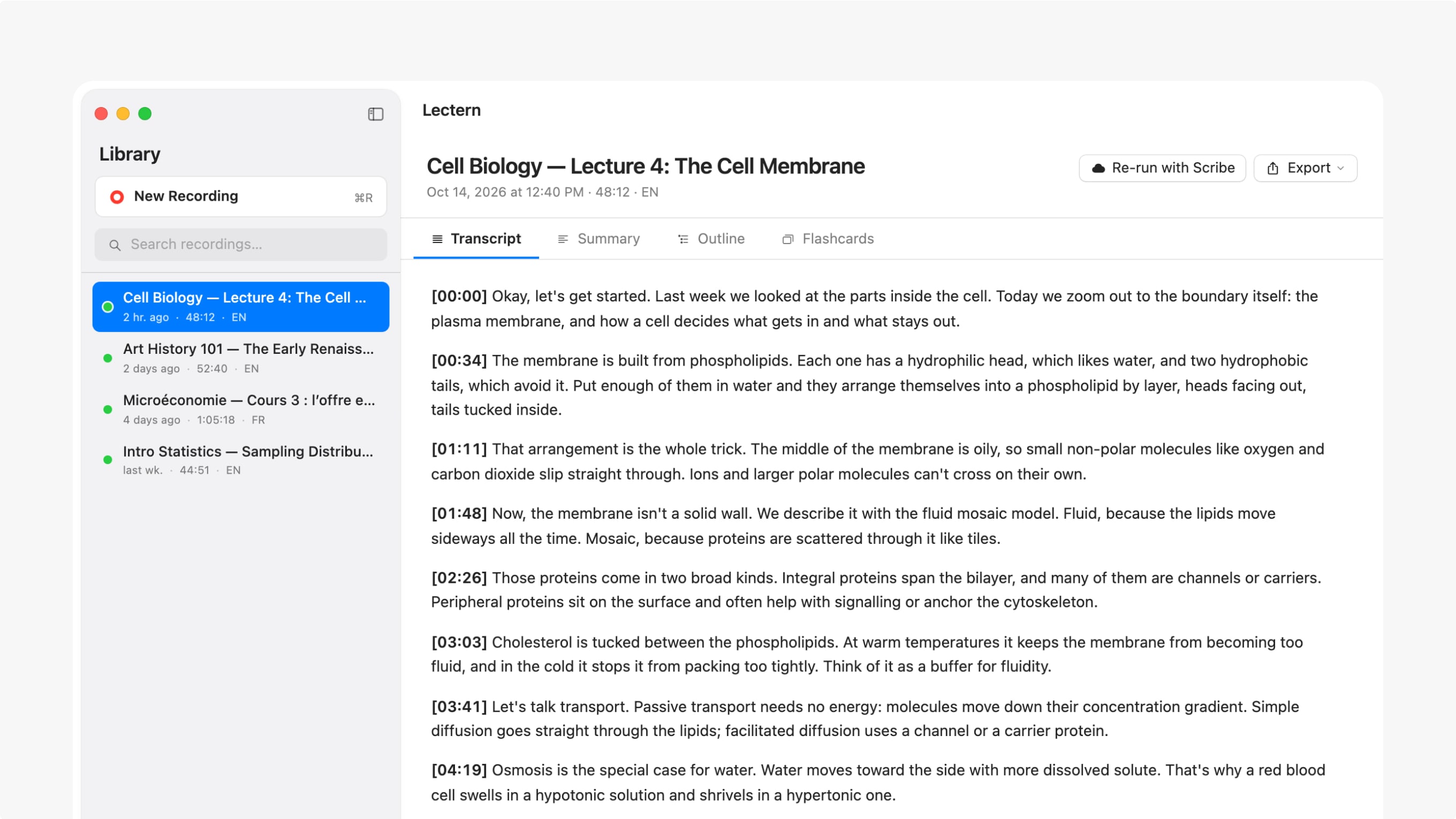
I built Lectern for my girlfriend. I wanted her to press record in class and walk out with a clean transcript and something she could actually study from.
So Lectern does one thing: it takes class audio and turns it into a transcript, a summary, an outline and flashcards, in one clear path, on her Mac.
Start with the lecture
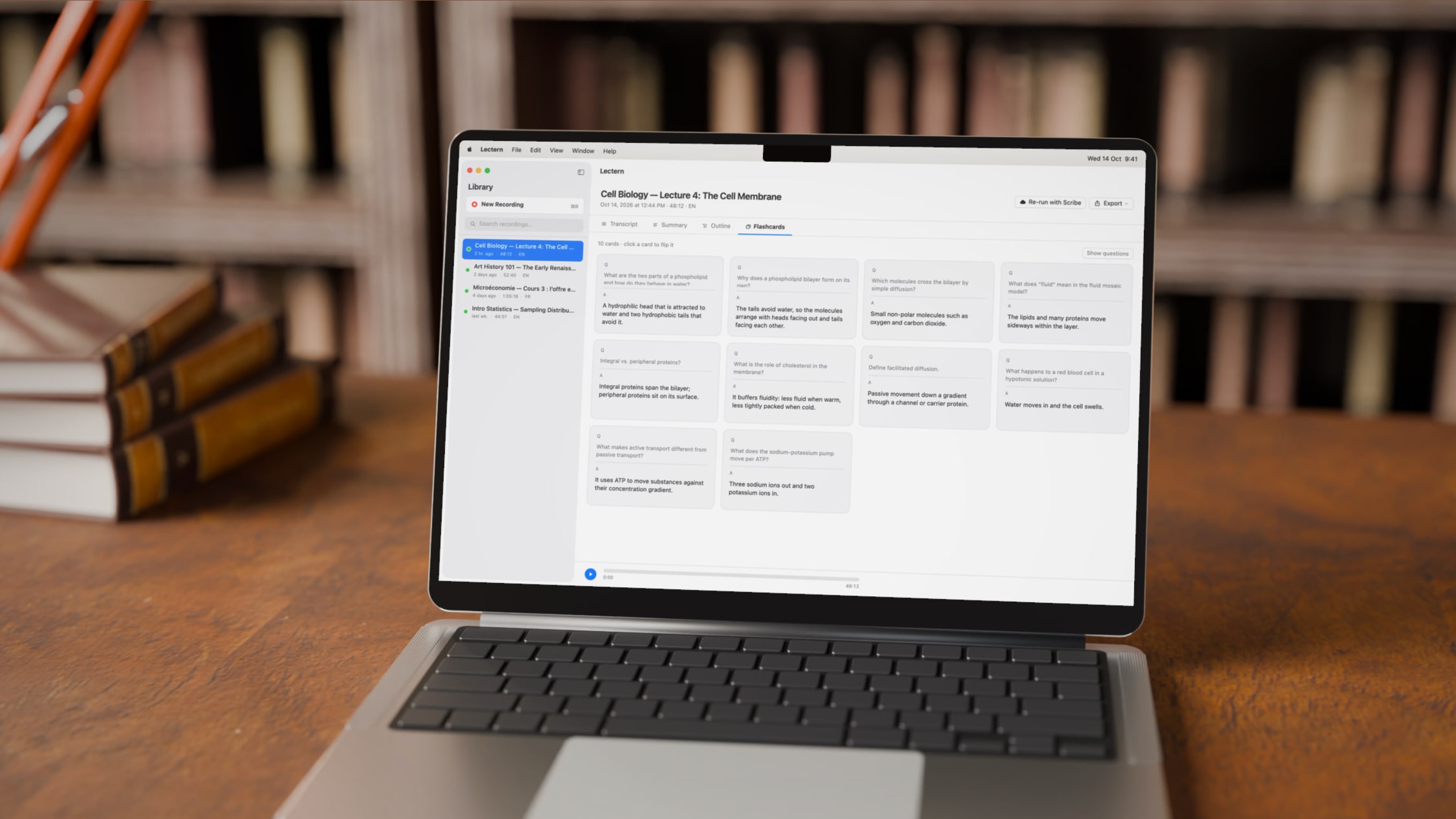
She can record from the Mac’s microphone or drop in an audio file she already has. The record button is big on purpose, so the main action is always obvious. Keyboard shortcuts cover recording, stopping and file import.
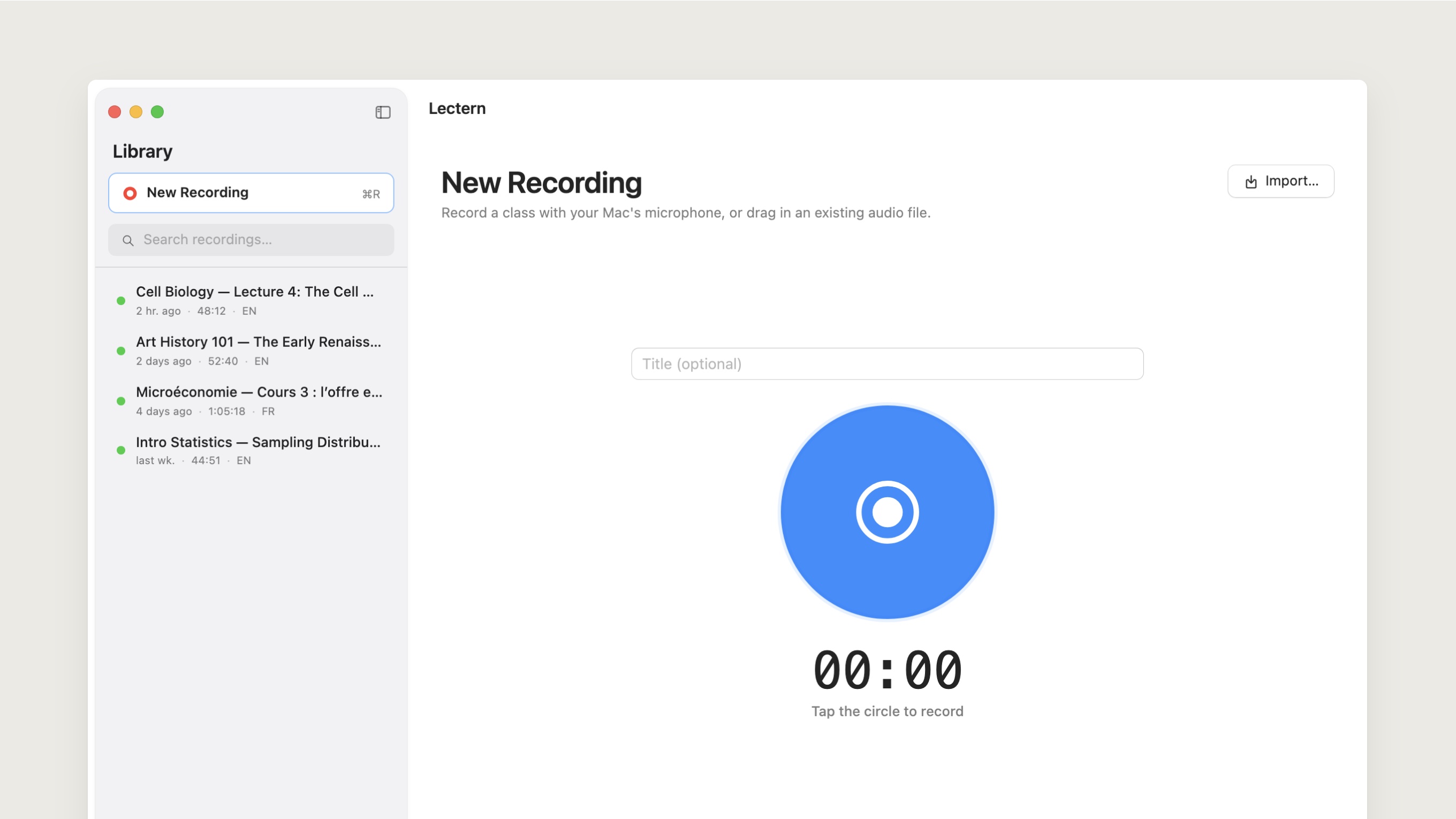
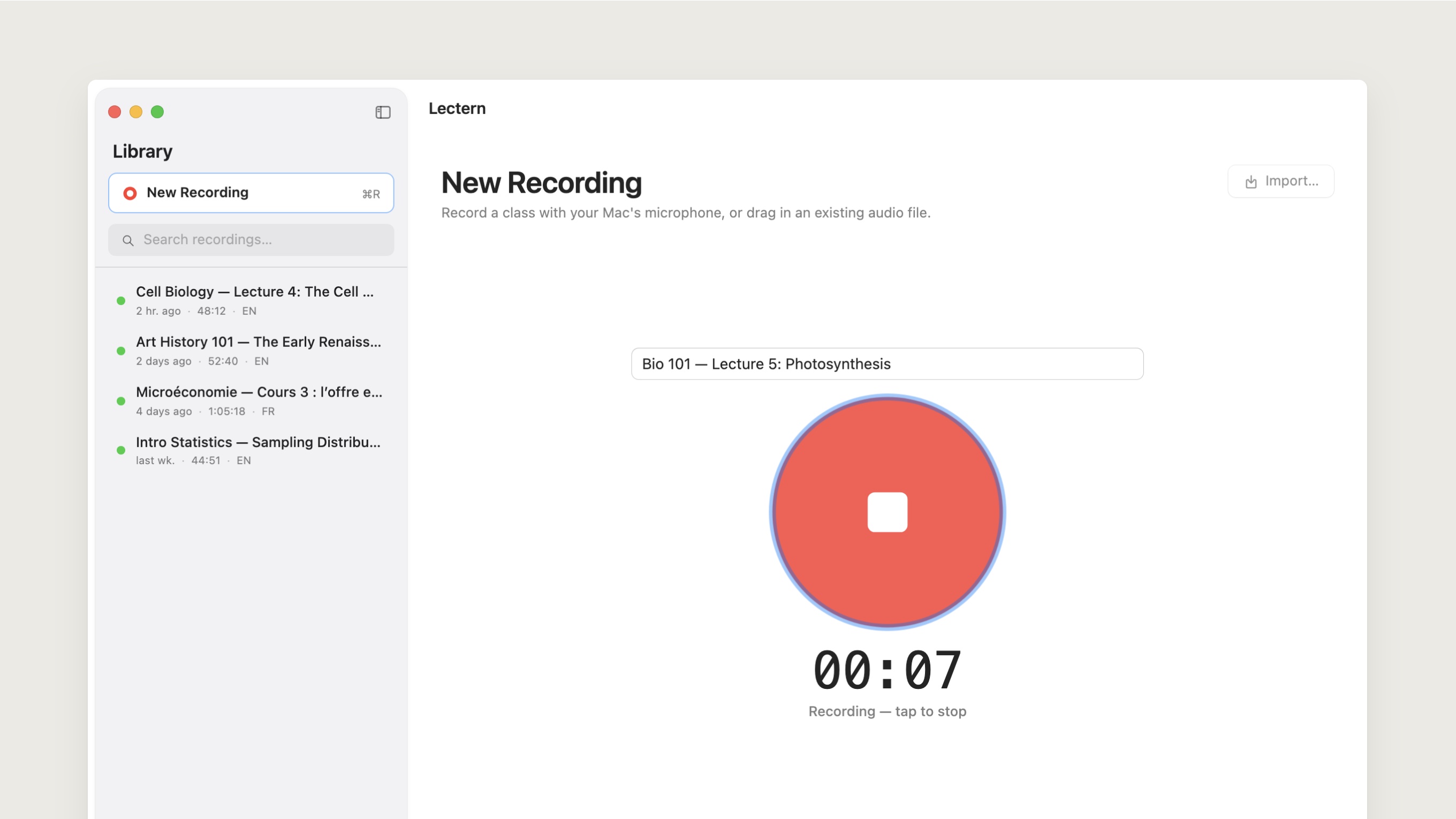
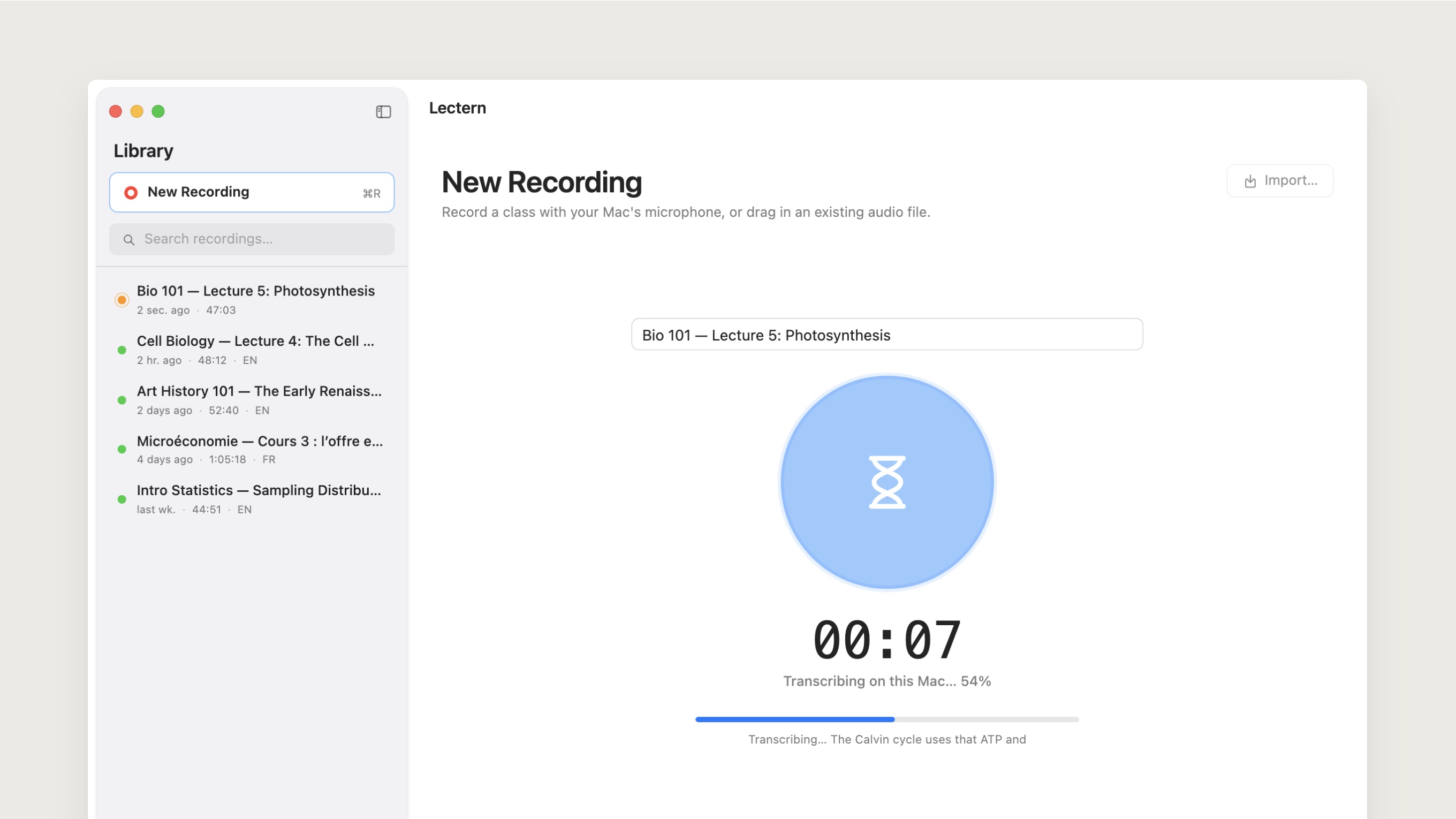
When a recording ends, Lectern saves the audio and starts transcribing straight away. Each recording lives in the library with its transcript and study material.
Local first
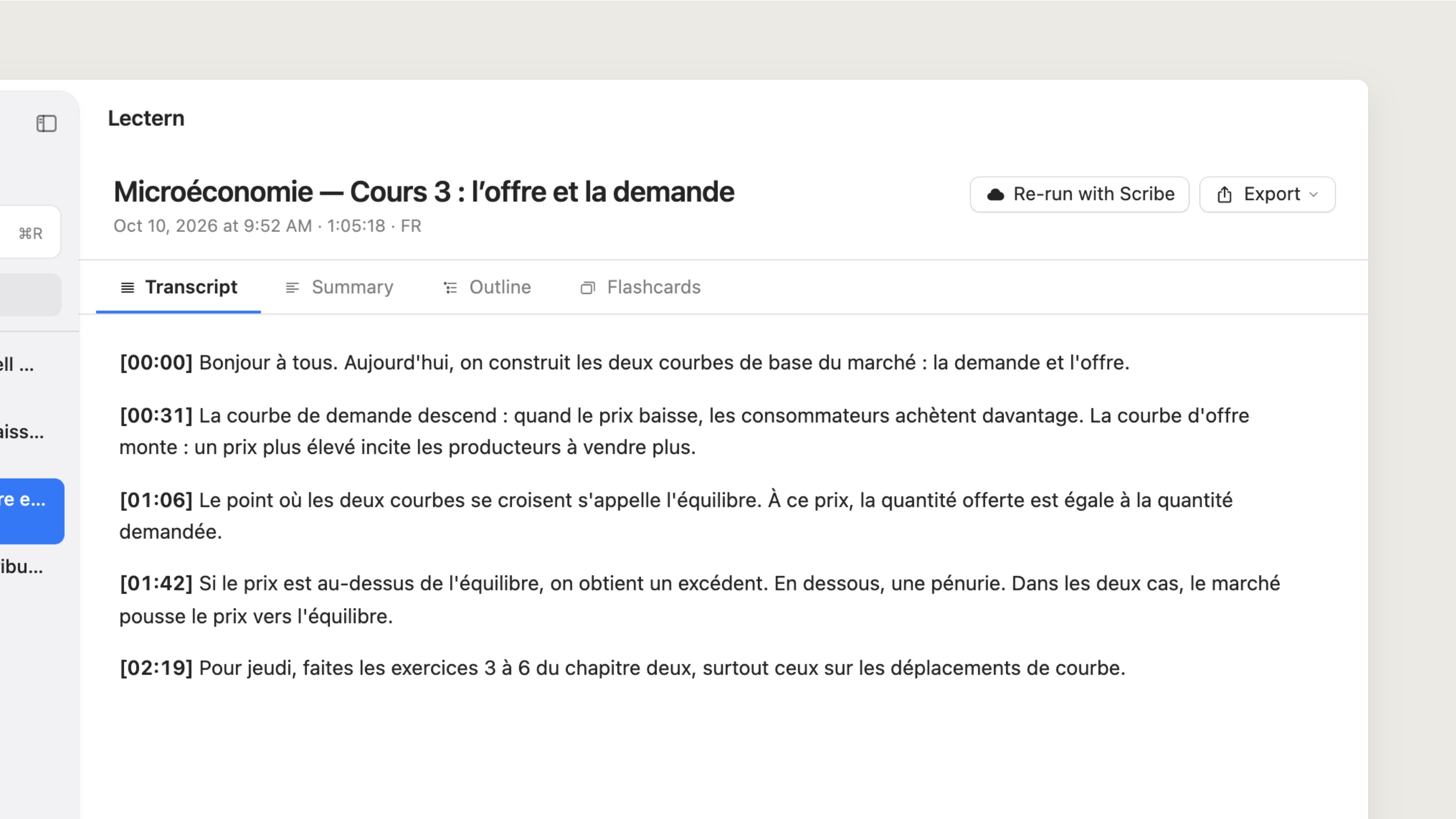
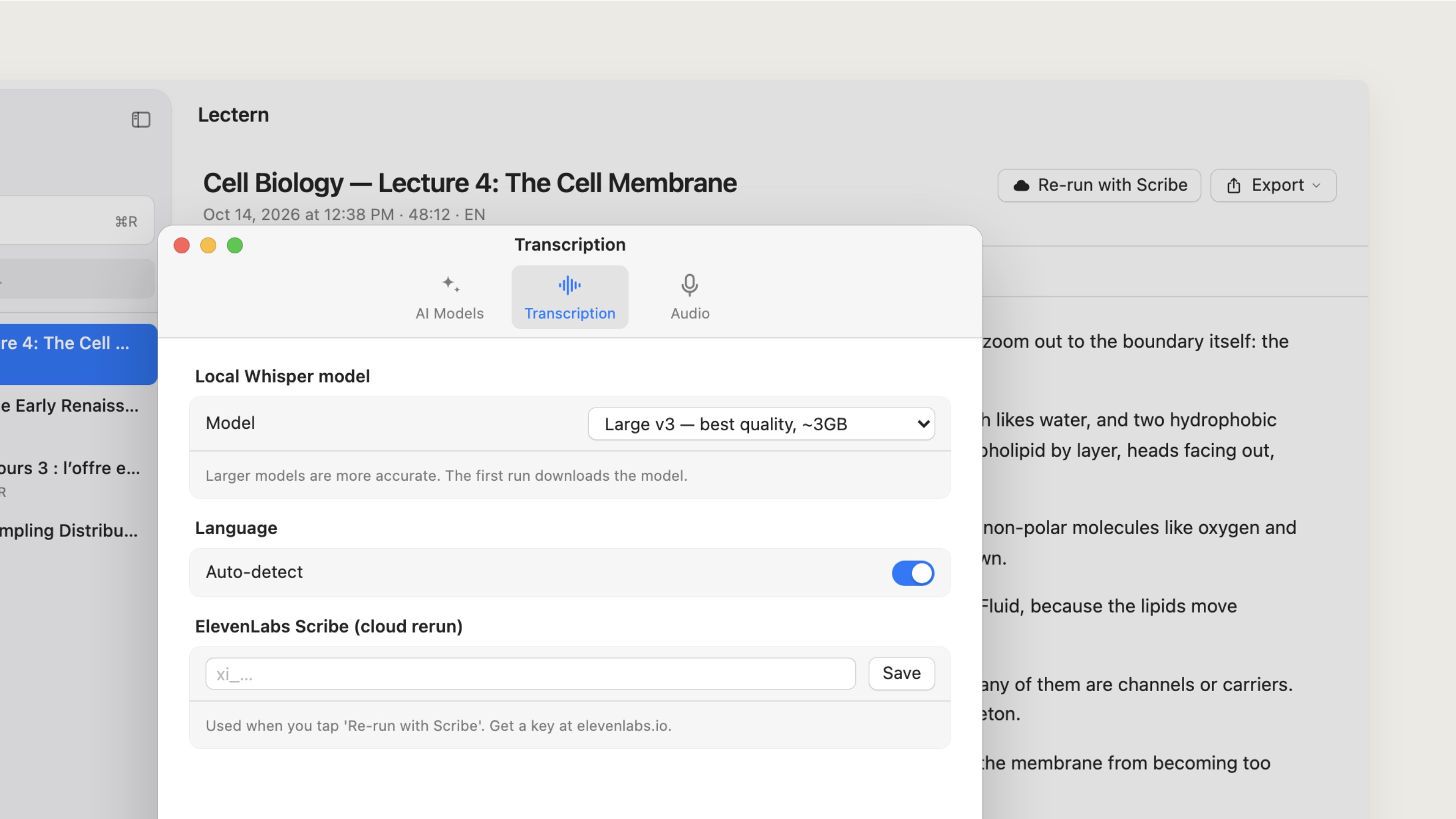
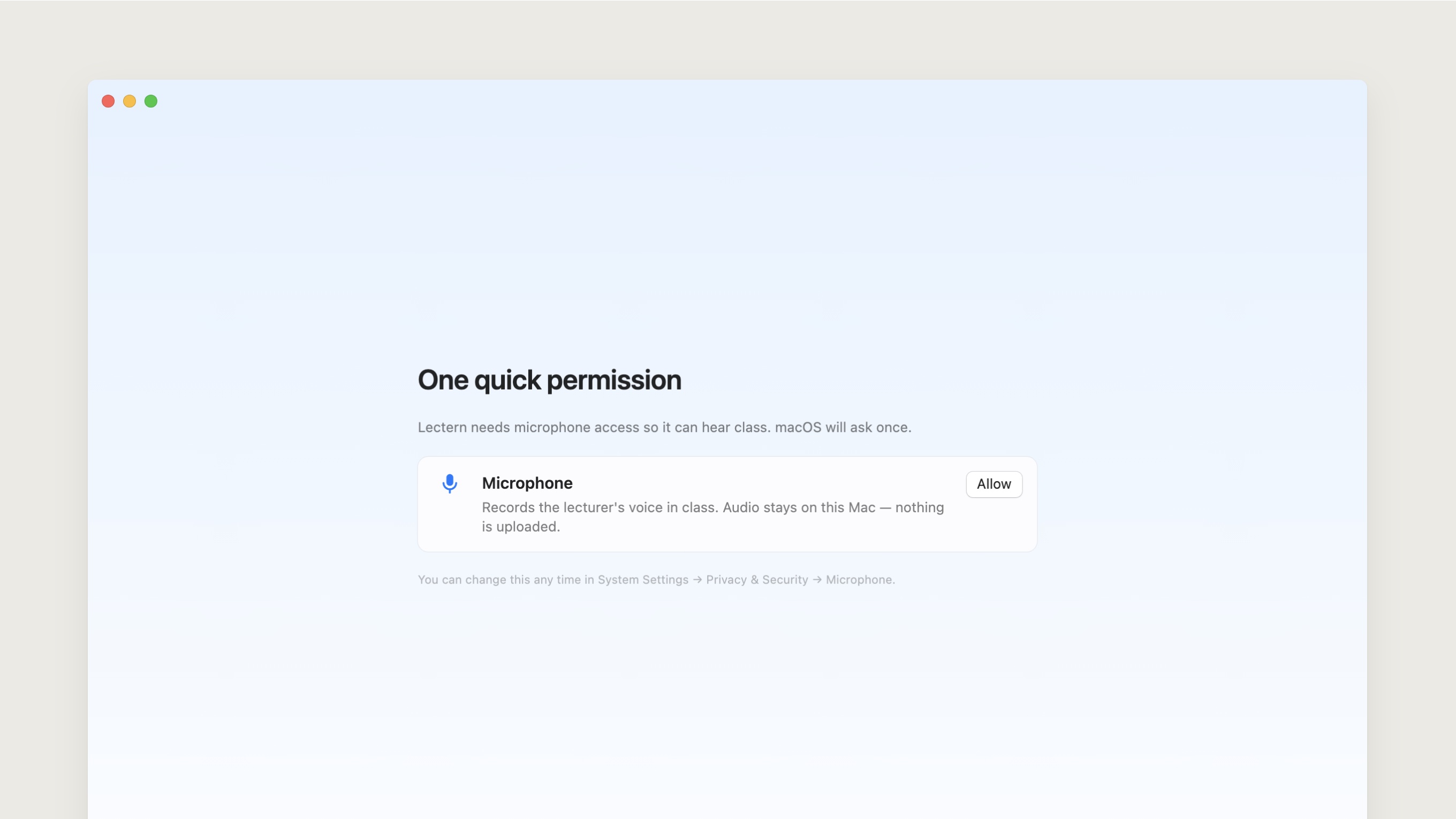
Her lectures are hers, so transcription runs on the Mac by default. WhisperKit runs Whisper’s large-v3 model locally and handles lectures in more than one language without sending audio anywhere.
The first transcription downloads the model. After that, it works offline. The app always says where a recording stays and which features would use a cloud service.
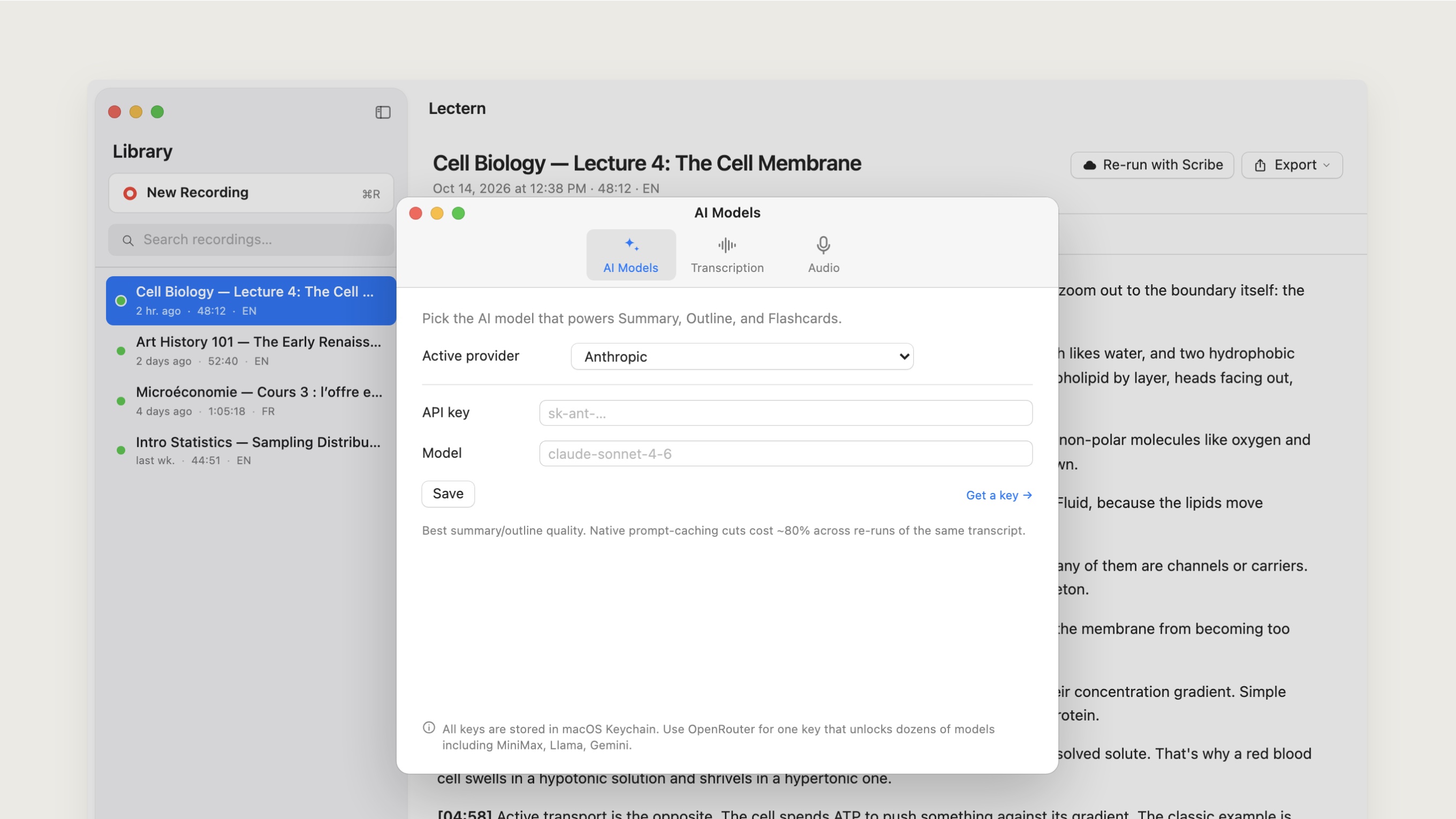
For a really rough recording, she can choose to rerun it through ElevenLabs Scribe. That option is visible and optional. It never replaces the local default.
Study material from one source
Every study aid comes from the transcript. Lectern makes:
- a one-page summary of key points, definitions and open questions;
- an outline that goes from big themes down to specific facts; and
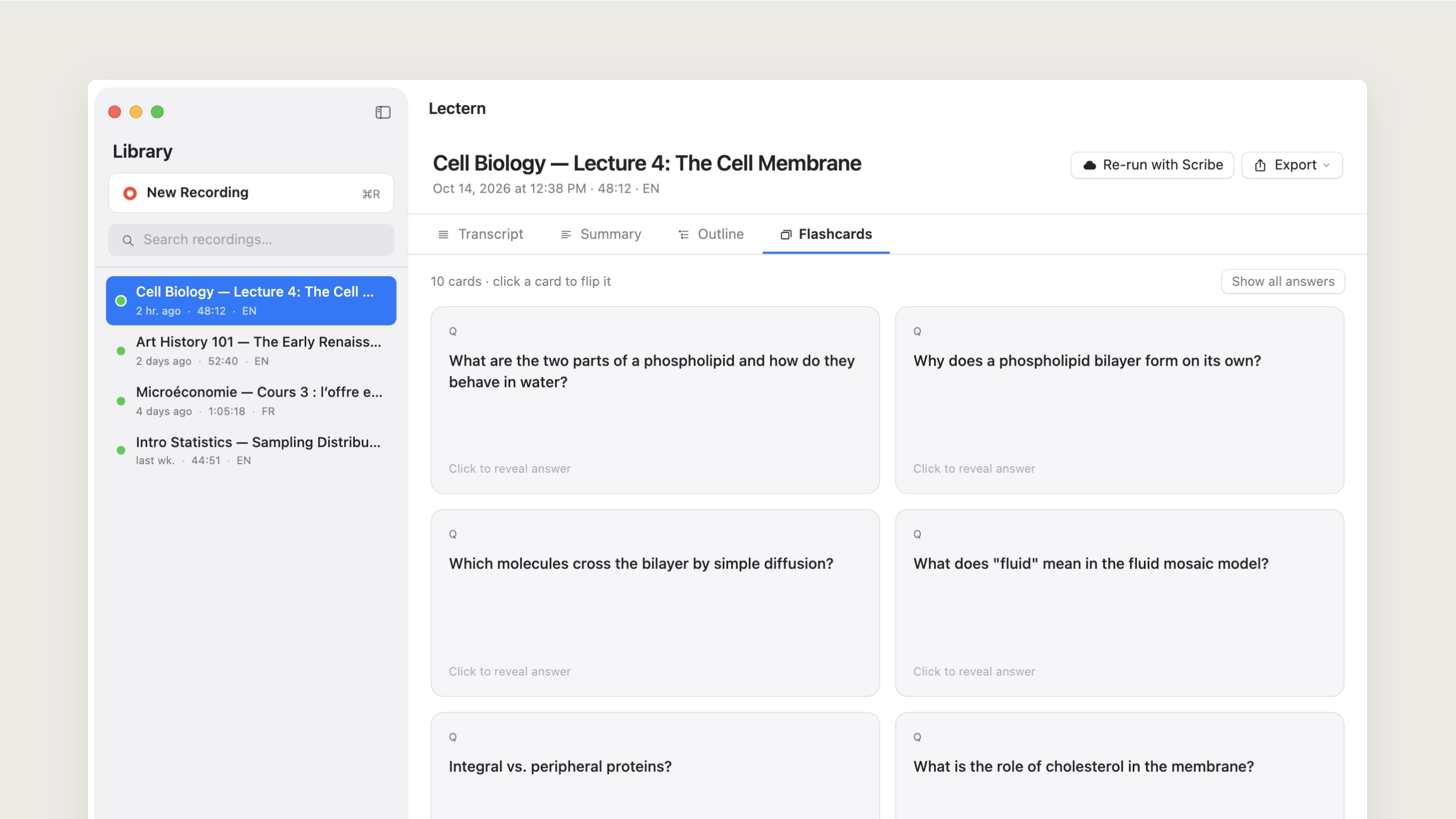
- question-and-answer flashcards that export to Anki.
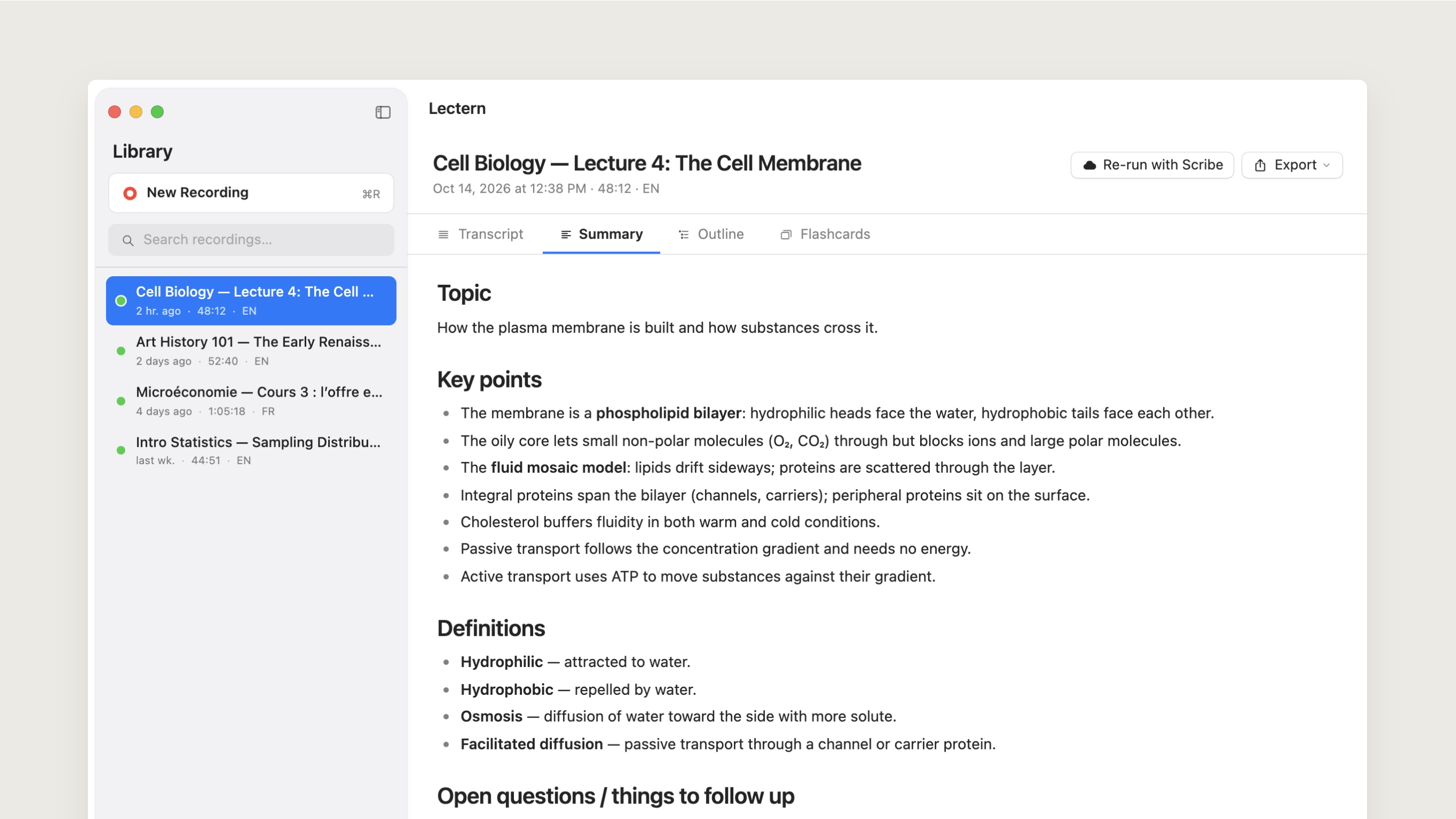
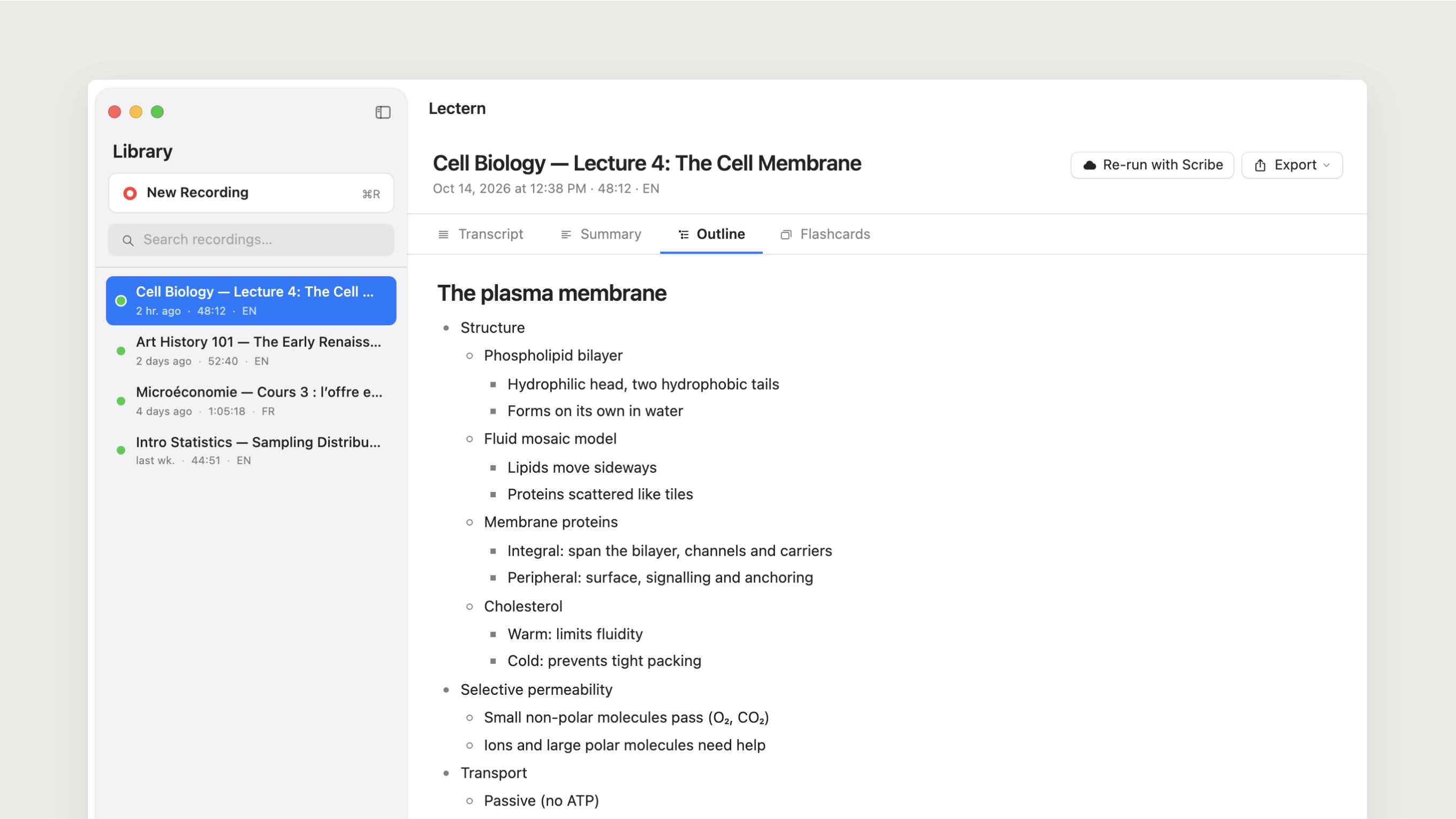
I told the model to stay in the lecture’s language and not add anything that isn’t in the transcript. The study material should reflect what the lecturer actually said, nothing more.
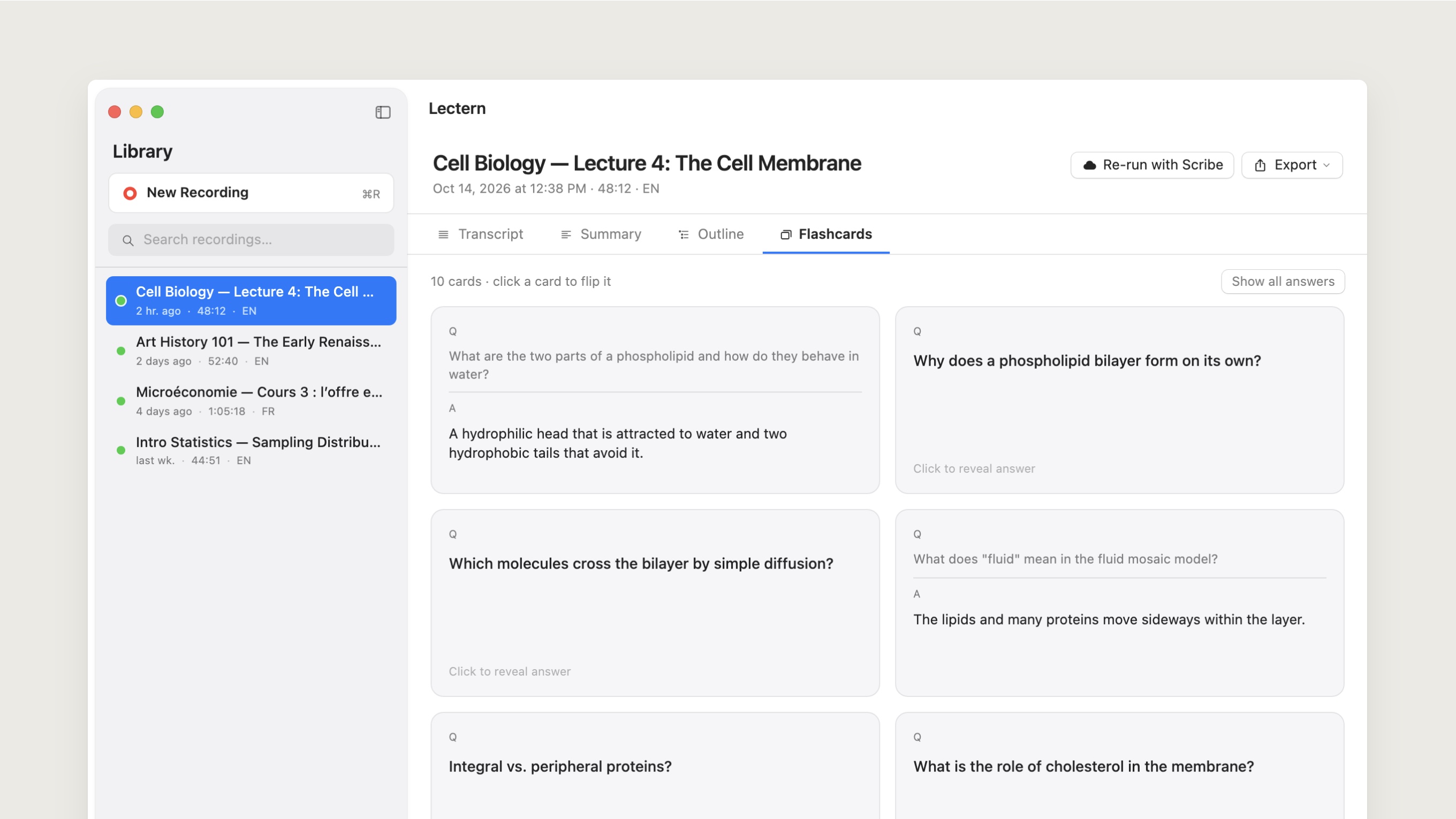
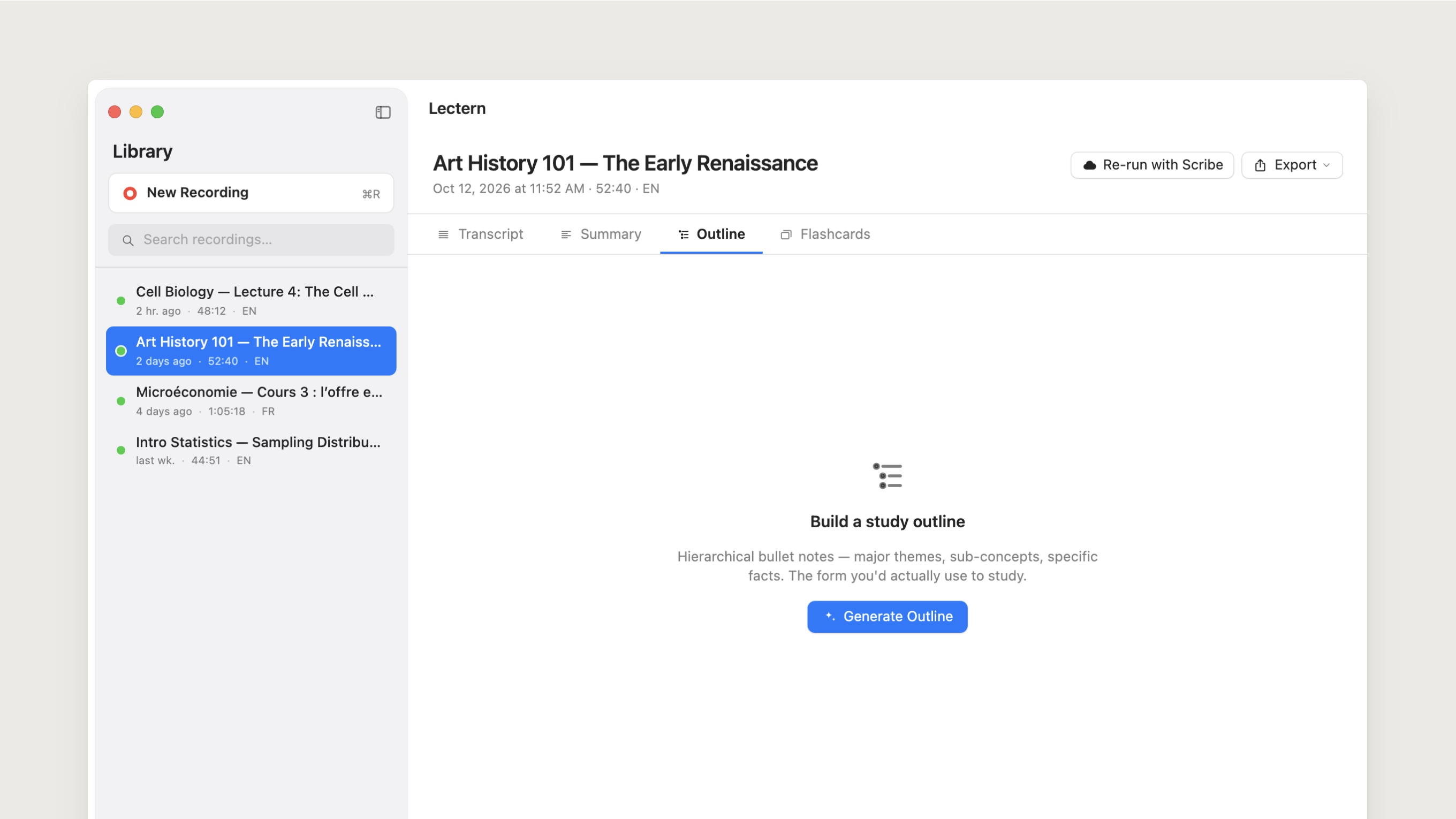
A real Mac app
I built Lectern in SwiftUI for macOS 14, with native navigation, menus, file import, shortcuts, playback and export, so it feels like it belongs on a Mac.
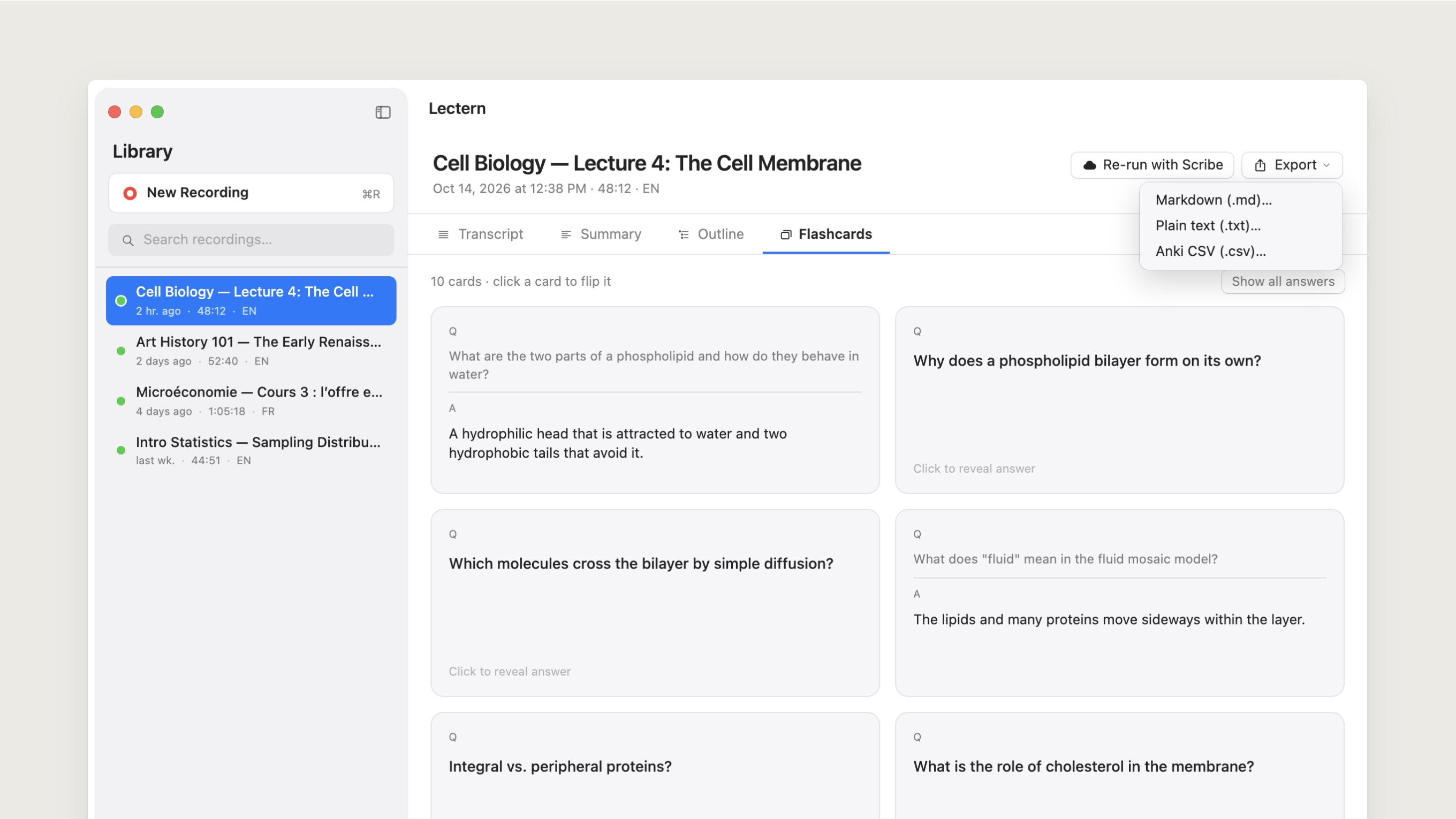
Recordings and transcripts go to her Documents folder. API keys go to the macOS Keychain. Everything exports as Markdown, plain text or CSV, so nothing gets locked inside Lectern.
Shipping it to her
I didn’t stop at a prototype. I generated the Xcode project, built the app and packaged a DMG she could install herself.
The build is ad hoc signed for now, so macOS asks for a right-click the first time she opens it. A Developer ID and a notarized release are next.
What I learned
Lectern is small on purpose. It doesn’t try to be a knowledge system. It handles one person’s workflow from start to finish.
Building for someone close to me changed how I judged the work. The question was never whether the feature list looked complete. It was whether she could record a class, trust where the audio went and get study material that helped, without learning a new system.
Outcome
- Built and packaged a working native macOS app as a DMG.
- Added local multilingual transcription through WhisperKit.
- Kept recordings and transcripts on the Mac unless the user chooses a cloud service.